
































Why Can Outdated Payment Integrations Affect Online Stores?
Outdated payment integrations can cause failed transactions, checkout errors, security issues, and lost sales for online stores.

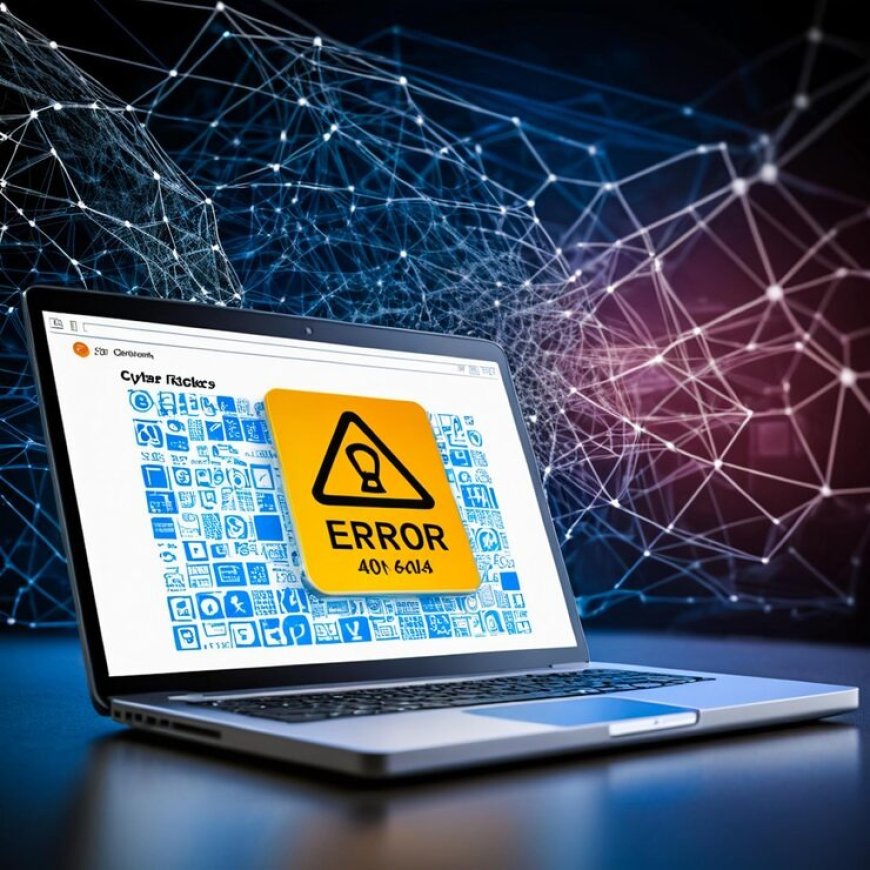
Your online store depends on more than attractive product pages and a smooth checkout design. Payment integrations are also critical to the customer experience. When the payment gateway, API connection, plugin, or supporting software becomes outdated, your store can experience failed transactions, security concerns, checkout errors, and lost sales.
The problem is that payment integration issues are not always obvious. Your website may load normally while customers struggle to complete purchases. That is why keeping payment systems updated should be part of your ongoing website maintenance strategy.
What Is a Payment Integration?
A payment integration connects your online store with a payment processor or gateway so customers can pay for products or services.
Depending on your ecommerce platform, the integration may involve:
- Payment gateway plugins
- APIs
- Checkout scripts
- Payment processor credentials
- Security certificates
- Webhooks
- Ecommerce platform updates
- Third-party extensions
These components need to work together. If one becomes outdated or incompatible, your checkout process may stop functioning correctly.
For an online business, even a small technical problem can create friction at the most important stage of the customer journey: payment.
How Can Outdated Integrations Cause Failed Transactions?
One of the most direct problems is payment failure.
Payment providers regularly update their APIs, authentication methods, security requirements, and technical standards. If your website continues using an older integration, it may eventually stop communicating correctly with the payment provider.
You might notice symptoms such as:
- Customers receiving payment errors
- Transactions being declined unexpectedly
- Checkout pages failing to load
- Orders not being created after payment
- Duplicate or incomplete order records
- Payment confirmations not reaching your store
A customer who encounters repeated payment problems may simply leave without completing the purchase.
Regular comprehensive website maintenance packages should therefore include checking important third-party integrations rather than focusing only on content updates.
Can Outdated Payment Systems Create Security Risks?
Yes. Payment processing involves sensitive customer and transaction information, so security should be a priority.
Older plugins, libraries, APIs, or payment components may contain known vulnerabilities or rely on outdated authentication methods. While an outdated integration does not automatically mean your store has been compromised, leaving unsupported software in place can increase technical and security risks.
You should regularly review:
- Payment plugins and extensions
- Ecommerce platform versions
- API credentials and authentication methods
- SSL/TLS configuration
- Security patches
- Third-party scripts
- Server and CMS compatibility
You should also remove payment extensions that are no longer required. Every unnecessary component can create another maintenance responsibility.
Why Does Compatibility Matter?
Your payment integration does not operate independently. It interacts with your ecommerce platform, website code, database, hosting environment, browser technology, and sometimes other plugins.
Suppose you update your ecommerce platform but continue using an old payment extension. The two components may no longer communicate properly.
The reverse can also happen. A payment provider may introduce technical changes while your website remains unchanged for months or years.
That is why compatibility testing matters after significant website or payment-provider updates. You should verify that customers can still select a payment method, enter their information, complete authentication, and receive a successful confirmation.
Can Outdated Integrations Affect Mobile Customers?
They can.
A large portion of ecommerce activity takes place on smartphones. Customers expect payment pages to load quickly and function correctly on smaller screens.
An outdated payment script may create problems such as:
- Buttons that do not respond
- Broken checkout layouts
- Slow-loading payment fields
- Authentication windows that fail to open
- Unexpected redirects
- Incomplete payment confirmations
These problems can be particularly damaging because customers may assume the store itself is unreliable.
Testing your checkout process on current mobile browsers and common devices gives you a better opportunity to identify these problems before customers report them.
What Happens When Payment Confirmation Fails?
Payment confirmation problems can be especially confusing.
Imagine that a customer completes a payment, but your store does not receive the expected confirmation from the payment provider. The customer may see a successful payment while your system shows no completed order.
This can lead to customer-service requests, manual verification, delayed fulfillment, refunds, and accounting complications.
Webhooks and server-to-server notifications should therefore be tested whenever payment integrations are updated. Your maintenance process should verify not only whether a customer can pay, but also whether your store correctly records the transaction afterward.
How Should You Monitor Payment Integrations?
You do not need to wait for customers to complain before checking your checkout.
Create a simple maintenance routine that includes:
- Test every major payment method. Complete controlled transactions periodically.
- Review integration updates. Check payment providers and plugin developers for required changes.
- Monitor failed transactions. Look for unusual increases in payment failures.
- Check compatibility. Test after ecommerce platform, CMS, plugin, or server updates.
- Review error logs. Technical logs can reveal API, authentication, or webhook problems.
- Verify order confirmation. Make sure successful payments create the correct order records.
- Keep backups available. Take appropriate backups before significant technical changes.
These steps can help you identify problems before they affect a larger number of customers.
When Should You Consider Professional Website Maintenance?
If you operate an online store, payment integration maintenance is only one part of keeping your website healthy. You may also need security monitoring, software updates, backups, performance checks, technical support, and compatibility testing.
Professional website maintenance services for security and performance can help you manage these recurring technical responsibilities instead of treating every problem as an emergency.
JDM Web Technologies describes its maintenance services as covering regular updates, security checks, backups, technical support, performance improvements, and CMS updates.
For businesses that depend heavily on online transactions, proactive maintenance can make it easier to keep critical website functions working as expected.
How Can You Reduce Payment-Related Disruptions?
Start by documenting every payment method your store currently supports. Record the provider, integration type, plugin or extension, version, and last testing date.
Then establish a recurring review schedule.
If your store processes orders every day, waiting until something breaks can expose you to unnecessary disruption. Instead, include payment testing in your regular website maintenance checklist and review integrations whenever your ecommerce platform, payment provider, hosting environment, or major website components change.
A well-maintained online store should make purchasing feel straightforward to your customers. Payment should be the final step toward completing a sale—not the point where technical problems prevent it.
Final Thoughts
Outdated payment integrations can affect your online store through failed transactions, compatibility problems, security concerns, broken confirmations, and poor mobile checkout experiences. These issues can also create additional work for your customer-service and fulfillment teams.
You can reduce these risks by keeping payment components current, monitoring transaction errors, testing checkout regularly, maintaining backups, and reviewing third-party integrations as part of your ongoing website maintenance process.
JDM Web Technologies provides website maintenance solutions designed to help businesses keep their websites updated, secure, functional, and supported. If your ecommerce store needs ongoing technical attention, explore the available maintenance options and determine which approach fits your website’s needs.
Frequently Asked Questions
1. How often should you test an ecommerce payment integration?
You should test payment functionality regularly and after major website, plugin, CMS, hosting, or payment-provider changes. The exact frequency depends on your transaction volume and technical environment, but recurring checks help identify problems before they affect many customers.
2. Can an outdated payment plugin stop accepting payments?
Yes. An outdated plugin may become incompatible with your ecommerce platform or payment provider. Changes to APIs, authentication requirements, security standards, or platform software can cause older integrations to malfunction or stop processing transactions correctly.
3. Does website maintenance include payment integration updates?
It can, depending on the maintenance plan and website environment. A comprehensive maintenance process may include software updates, compatibility checks, security monitoring, troubleshooting, backups, and technical support. You should confirm that payment integrations are specifically covered by your selected maintenance arrangement.
4. Why are payment confirmations important?
Payment confirmations connect the completed transaction with your store's order system. If confirmation data fails to reach your website, a customer may pay successfully while your store does not correctly register the order, potentially causing fulfillment and customer-service problems.
5. When should you contact a website maintenance professional?
You should consider professional assistance when payment errors repeatedly occur, integrations become incompatible, updates require technical testing, or your team lacks the resources to monitor website infrastructure consistently. Early troubleshooting can help prevent a small integration issue from becoming a larger ecommerce disruption.
Need Help Maintaining Your Online Store?
If you are unsure whether your ecommerce website's payment integrations, plugins, CMS, security components, and supporting systems are current, getting a professional review can help you identify potential maintenance needs before they disrupt customers.
Contact JDM Web Technologies through the to discuss your requirements and determine an appropriate maintenance approach.
What's Your Reaction?