



























How to Choose the Right CRM Software for Your Business
This guide explains how to choose the right CRM software for your business and highlights the key factors you should evaluate before making a decision.

In today's competitive business environment, building strong customer relationships is just as important as offering quality products or services. Businesses generate customer data from websites, emails, social media, phone calls, and in-person interactions every day. Managing this information manually can quickly become overwhelming, leading to missed opportunities, inconsistent communication, and lower customer satisfaction.
Customer Relationship Management (CRM) software helps businesses organize customer information, streamline sales processes, automate repetitive tasks, and improve customer engagement. However, with so many CRM solutions available, selecting the right one can be challenging. Every business has different goals, workflows, and budgets, making it essential to choose a platform that aligns with both current needs and future growth.
What Is CRM Software?
CRM (Customer Relationship Management) software is a business application that helps organizations manage interactions with current and potential customers. It centralizes customer data, tracks sales opportunities, manages communication history, automates workflows, and provides valuable reports that support better business decisions.
Modern CRM platforms go beyond contact management by integrating with email services, marketing tools, accounting software, customer support systems, e-commerce platforms, and communication applications. This creates a unified ecosystem where every department works with accurate and updated customer information.
Understand Your Business Requirements
The first step in choosing a CRM system is understanding your business objectives. A CRM designed for a multinational corporation may not be suitable for a small business, while a basic CRM may not meet the needs of a rapidly growing enterprise.
Start by identifying the challenges your business currently faces. These may include poor lead management, inconsistent customer follow-ups, limited reporting, disconnected departments, or inefficient manual processes. Clearly defining these pain points helps narrow your search and ensures you invest in software that addresses your specific requirements.
Identify the Teams That Will Use the CRM
CRM software is no longer limited to sales departments. Marketing teams, customer support representatives, finance departments, operations staff, and management often rely on customer data to perform their roles effectively.
Before selecting a CRM, determine which departments will use the platform and what features each team requires. A system that supports collaboration across multiple departments provides greater long-term value than one designed solely for sales management.
Look for an Easy-to-Use Interface
Even the most advanced CRM software will fail if employees find it difficult to use. Complex systems often result in low adoption rates, incomplete data, and inconsistent usage.
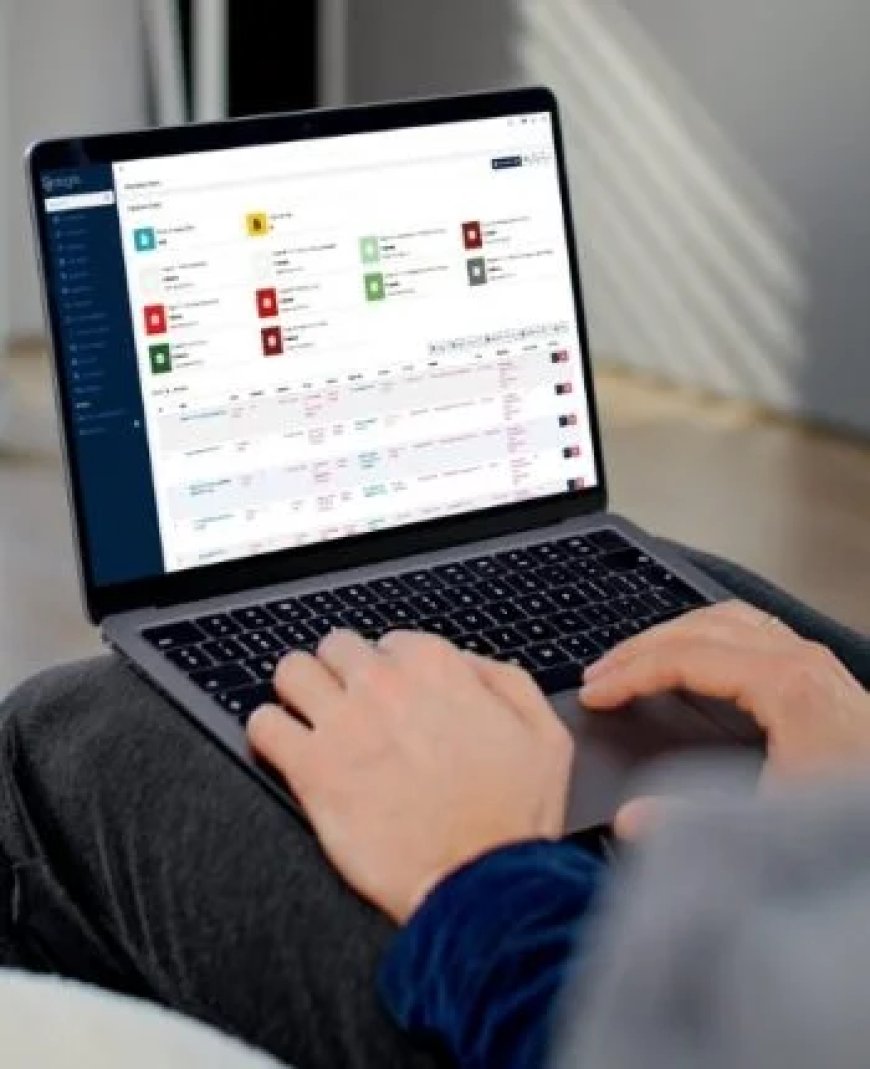
Choose a CRM with an intuitive dashboard, simple navigation, and minimal learning curve. Employees should be able to access customer information, update records, manage tasks, and generate reports without extensive technical training.
Many CRM vendors offer free trials or demonstrations, allowing businesses to evaluate usability before making a purchasing decision.
Evaluate Customization Options
Every business operates differently. Your CRM should adapt to your workflows rather than forcing your employees to change established processes.
Look for software that allows you to customize fields, dashboards, reports, workflows, pipelines, user permissions, and customer categories. Flexible customization ensures the CRM supports your business model as your operations evolve.
Check Automation Features
Automation has become one of the most valuable capabilities of modern CRM software. It reduces repetitive administrative work while improving consistency and efficiency.
Useful automation features include:
-
Lead assignment
-
Follow-up reminders
-
Email automation
-
Appointment scheduling
-
Workflow approvals
-
Task creation
-
Customer notifications
-
Invoice reminders
-
Report generation
Businesses that automate routine processes save valuable time while allowing employees to focus on customer engagement and revenue-generating activities.
Consider Integration Capabilities
Businesses typically use multiple software applications every day. Your CRM should integrate seamlessly with these existing systems to avoid duplicate work and data inconsistencies.
Common integrations include:
-
Email platforms
-
Marketing automation software
-
Accounting systems
-
Customer support software
-
E-commerce platforms
-
Inventory management systems
-
Payment gateways
-
Communication tools
-
Calendar applications
Strong integrations create a connected digital ecosystem that improves operational efficiency across the organization.
Prioritize Data Security
Customer information is one of your organization's most valuable assets. A CRM system should include strong security measures to protect sensitive data from unauthorized access and cyber threats.
Look for features such as encrypted databases, secure cloud hosting, role-based access controls, multi-factor authentication, automatic backups, audit logs, and compliance with relevant privacy regulations. Investing in secure CRM software reduces business risk and strengthens customer trust.
Analyze Reporting and Analytics
A CRM should do more than store customer data—it should transform that data into actionable insights.
Comprehensive reporting tools allow businesses to monitor sales performance, customer acquisition, lead conversion rates, employee productivity, customer retention, and marketing effectiveness. Real-time dashboards help managers make informed decisions based on accurate information rather than assumptions.
Businesses that leverage CRM analytics often identify growth opportunities that would otherwise remain hidden.
Ensure Mobile Accessibility
Today's workforce is increasingly mobile. Sales representatives, service technicians, managers, and executives frequently require access to customer information while working remotely or visiting clients.
A mobile-friendly CRM allows employees to update customer records, schedule meetings, respond to inquiries, and review reports from smartphones and tablets. Mobile access improves responsiveness and keeps teams productive regardless of location.
Assess Scalability
Your CRM should support your business not only today but also as it grows. Choosing software with limited capabilities may require costly replacement in the future.
Consider whether the CRM can accommodate additional users, larger customer databases, multiple business locations, expanded product lines, and more advanced automation. Scalable solutions protect your investment and minimize disruptions as your business evolves.
Evaluate Customer Support and Training
Even well-designed CRM systems occasionally require technical assistance. Reliable customer support ensures issues are resolved quickly, minimizing downtime and operational disruptions.
Look for vendors that provide onboarding assistance, training resources, knowledge bases, live chat, email support, and regular software updates. Comprehensive support helps employees maximize the value of the CRM over time.
Compare Pricing and Total Cost
Price should never be the only factor when selecting CRM software, but it remains an important consideration. Evaluate the total cost of ownership rather than focusing solely on monthly subscription fees.
Consider implementation costs, customization expenses, user licensing, integration charges, training costs, technical support, and future upgrades. A slightly higher upfront investment may deliver significantly greater long-term value through improved efficiency and business growth.
Leverage AI-Powered CRM Features
Artificial intelligence has transformed CRM software into a smarter business solution. AI-powered capabilities help organizations improve decision-making while enhancing customer experiences.
Modern AI features often include:
-
Predictive sales forecasting
-
Intelligent lead scoring
-
Customer sentiment analysis
-
Automated customer segmentation
-
Personalized marketing recommendations
-
Chatbot integration
-
Workflow optimization
-
AI-generated reports
These capabilities help businesses anticipate customer needs, prioritize opportunities, and optimize operational performance with minimal manual effort.
Ask the Right Questions Before Buying
Before selecting a CRM platform, ask yourself the following questions:
-
Does the CRM solve our biggest operational challenges?
-
Is it easy for employees to learn and use?
-
Can it integrate with our existing business software?
-
Does it support automation and AI capabilities?
-
Is customer data secure?
-
Can the system scale as our business grows?
-
Does it provide detailed reporting and analytics?
-
Is reliable customer support available?
-
Does the pricing align with our budget and expected return on investment?
Answering these questions will help narrow your options and ensure you choose software that aligns with your long-term business strategy.
Common Mistakes to Avoid
Many businesses rush into purchasing CRM software without fully evaluating their needs. Common mistakes include choosing software based only on price, overlooking employee training, ignoring integration requirements, selecting overly complex systems, and failing to plan for future business growth.
Taking time to assess requirements, involve key stakeholders, and test available solutions can prevent costly implementation challenges and improve overall adoption.
Conclusion
Choosing the right CRM system is a strategic decision that can significantly influence your business's growth, customer satisfaction, and operational efficiency. By evaluating your business requirements, prioritizing usability, automation, security, scalability, and reporting capabilities, you can invest in a solution that delivers long-term value. Businesses looking for reliable digital business solutions can explore Instacare.com.pk, which offers innovative technologies designed to simplify operations and strengthen customer relationships. Selecting the right CRM Software in Pakistan enables organizations to improve collaboration, automate critical workflows, make data-driven decisions, and build lasting relationships with customers in an increasingly competitive business landscape.
What's Your Reaction?